

Hear this meeting in your own language
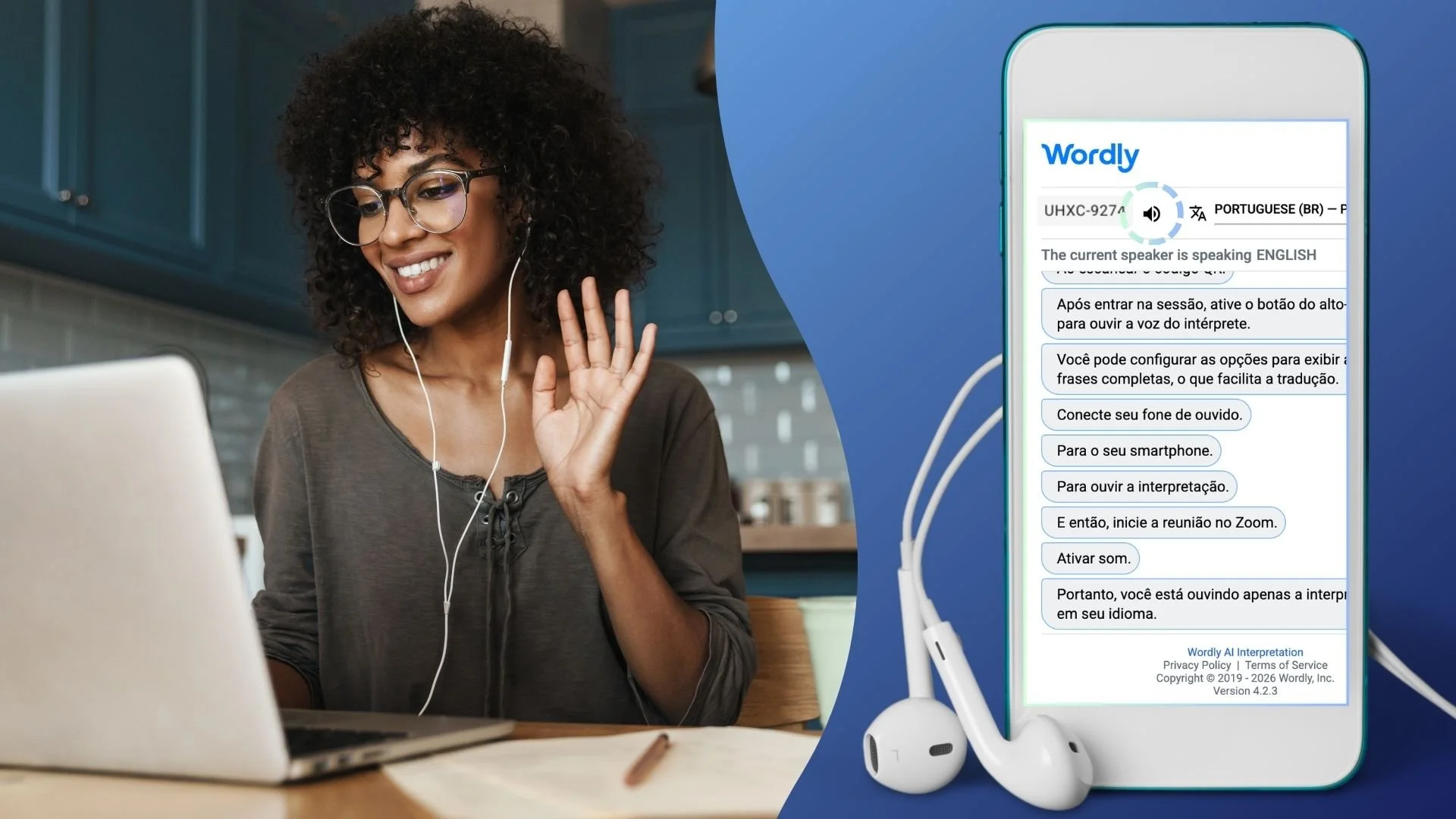
This Zoom meeting is translated live by Wordly, an AI-powered app. Follow the steps below to listen to interpretation and read translated captions on your phone.
What you'll need
Laptop: To join the Zoom meeting
Smartphone: To scan the QR code and open Wordly
Headphones: Connected to your phone to hear interpretation
Wordly Session ID: The Zoom Host will share the Session ID in the Zoom Chat
How to connect
Join Zoom on your laptop as usual.
Scan the QR code with your phone's camera, or type the web address shown by the Zoom Host.
Choose your language in Wordly.
Connect your headphones to your phone and unmute the Wordly app sound.
Mute yourself on Zoom and listen only through Wordly.
Helpful Tips
Prefer to read? Translated captions appear on your phone screen too.
Hearing two voices? Mute Zoom's sound on your laptop.
Need help? Send a Zoom chat message to the host.